


Microsoft works with thousands of independent software companies worldwide that build and support solutions on its technology - Azure, Microsoft 365, Dynamics, and more. Being part of that network is easy; most software houses using Microsoft tools qualify automatically.
Being a Microsoft Solutions Partner is different. It's Microsoft's own quality designation within that network - proof that Microsoft has independently reviewed a company's team skills, delivery track record, and client outcomes in a specific area, and confirmed they meet a defined bar. You're not just taking the vendor's word for it.
Microsoft retired the older Silver and Gold Partner competencies on September 30, 2022, replacing them with the Solutions Partner program. As of January 22, 2025, Microsoft no longer sells or renews legacy Silver/Gold benefits - so a "Gold Partner" badge on a vendor's site today describes history, not current standing.
A Microsoft Solutions Partner has met Microsoft's requirements for competence, experience, and delivery success in one of six areas: Data & AI, Digital & App Innovation, Infrastructure, Security, Modern Work, and Business Applications.
Microsoft scores partners using the Partner Capability Score, built on three pillars:
Earning a designation requires at least 70 out of 100 points, with points required across every metric - not just an overall average. For Azure areas, that includes intermediate and advanced certifications, service usage growth, and real customer deployments. It's a materially higher bar than a certificate or a badge a company simply places on its website.
A partner cannot skip the qualification requirements by paying for them. What can be paid for is activation: once a partner meets the skilling, performance, and customer-success thresholds, it pays to activate the designation and its associated benefits. Money unlocks access to the program - it doesn't substitute for the prerequisites.
The designation also isn't a one-time test. Partners renew it each cycle, and Microsoft periodically updates the certification and competency requirements behind it.
The designation doesn't replace client references, technical interviews, or an architecture review - but it's a useful independent check on top of them. Plenty of agencies claim Azure, .NET, or Data & AI expertise; from the outside, it's hard to tell which claims hold up. An active Solutions Partner designation is one external signal that a company's competencies, results, and customer outcomes have actually been verified against Microsoft's criteria - which lowers your risk at the vendor-selection stage, before an architectural misstep becomes expensive to unwind.
Two things it opens up in practice:
The badge alone isn't a reason to sign a contract. Before starting a project, it's worth confirming:
SKM Group holds the Microsoft Solutions Partner for Data & AI (Azure) designation - verifiable directly in the Microsoft Partner Directory.

For a prospective client, the badge itself isn't the point - it confirms that our team competencies, delivery performance, and customer outcomes on Azure data and AI work have been independently checked against Microsoft's criteria, not just self-reported.
That sits alongside what we already do day to day: custom software development, legacy system modernization, and Azure-based data and AI projects, delivered by a team working primarily in Java, .NET, Python, and JS, with project management, QA, and rollout handled in-house as part of the engagement rather than handed off separately.
If you're planning a project involving Azure, legacy modernization, or data and AI work, let's start with your requirements - the technology choices follow from there.

Microsoft retired Silver and Gold competencies in September 2022 and stopped renewing legacy benefits in January 2025. A "Gold Partner" badge reflects historical status, whereas a Solutions Partner designation verifies active team credentials, current deployment performance, and ongoing Microsoft compliance.
No. Payment only unlocks program benefits after a vendor independently meets Microsoft's qualification thresholds. A company cannot buy the designation or skip the skilling, performance, and customer success requirements.
Not automatically. The designation confirms required certifications at the organizational level. While it proves company capability, you should still confirm which specific certified team members will be assigned to your project build.


Mateusz is a seasoned professional in project management and software development. He is currently CEO at SKM Group, where he oversees projects and programmers, ensuring their successful execution. Additionally, he plays a vital role in shaping corporate strategy, driving product development, and spearheading business development and key account management efforts.
We monitor industry trends and implement cutting-edge solutions. Explore our services.
Discover moreStrategic insights into technology, software development, and digital growth
Not all vendor badges are created equal. Discover what the Microsoft Solutions Partner designation actually verifies - from team skilling to proven client outcomes - and why legacy "Gold" status no longer guarantees current expertise

You can’t afford systems that slow you down when your customers expect personalization, quick turnarounds, and flawless quality. At SKM Group, we’ve seen manufacturers struggle with “off-the-shelf” ERP systems that promise control.

Explore the real impact of AI tools like ChatGPT and GitHub Copilot on programming efficiency. Compare their strengths, limitations, and alternatives like Tabnine and Claude.ai to see how they enhance coding workflows.

Discover how Artificial Intelligence is revolutionizing software testing by automating tasks, improving accuracy, and enhancing efficiency. Learn about AI-driven tools, defect prediction, performance testing, and more

Discover the advantages and disadvantages of CMS blockchain systems versus classic programming in website development. Explore popular CMS options like WordPress, Shopify, Bubble, and Webflow, and learn when to choose classic programming

How to meet the challenges of artificial intelligence? Discover strategic means for enterprises, including IT outsourcing, to effectively manage AI integration.

Discover how AI optimizes sales workflows, from lead generation to post-sale support. Explore the pivotal role of custom software development in maximizing AI's potential for efficiency and customer satisfaction.

Discover how artificial intelligence is reshaping the workforce landscape, from job displacement to new opportunities. Dive into the transformative power of AI, exploring its role in increasing efficiency and creating new jobs.

Develop software for embedded systems using .NET with nanoFramework. Learn how to leverage C# for microcontrollers like ESP32 to build applications, like a weather station measuring temperature, pressure & humidity.

Explore the trends shaping the future in 2024, from AI, IoT, and Blockchain breakthroughs to sustainability and the digital health revolution. Learn how IT outsourcing can be your key to adaptation, providing access to expert specialists.
.avif)
Discover the groundbreaking changes that shaped the landscape of artificial intelligence in 2023. From the expansion of autonomous decision-making systems to the transformative impact of deep machine learning in various industries.

Web applications frequently rely on storing and processing data entered through forms. These are typically used in predefined scenarios, where the backend application expects specific data from specific API requests.

Explore the transformative world of live speech translation powered by artificial intelligence! From business meetings to educational settings, discover the diverse applications of speech translation technology.

Unlock content creation efficiency with Contentful, a flexible and scalable CMS. Explore its seamless integration, AI-based model generation, and versatile support for various content types.

Elevate your IT project management with artificial intelligence. Discover how AI automates tasks, optimizes processes, and provides valuable insights. Explore AI's role in automation, budget management, data analysis and risk identification.
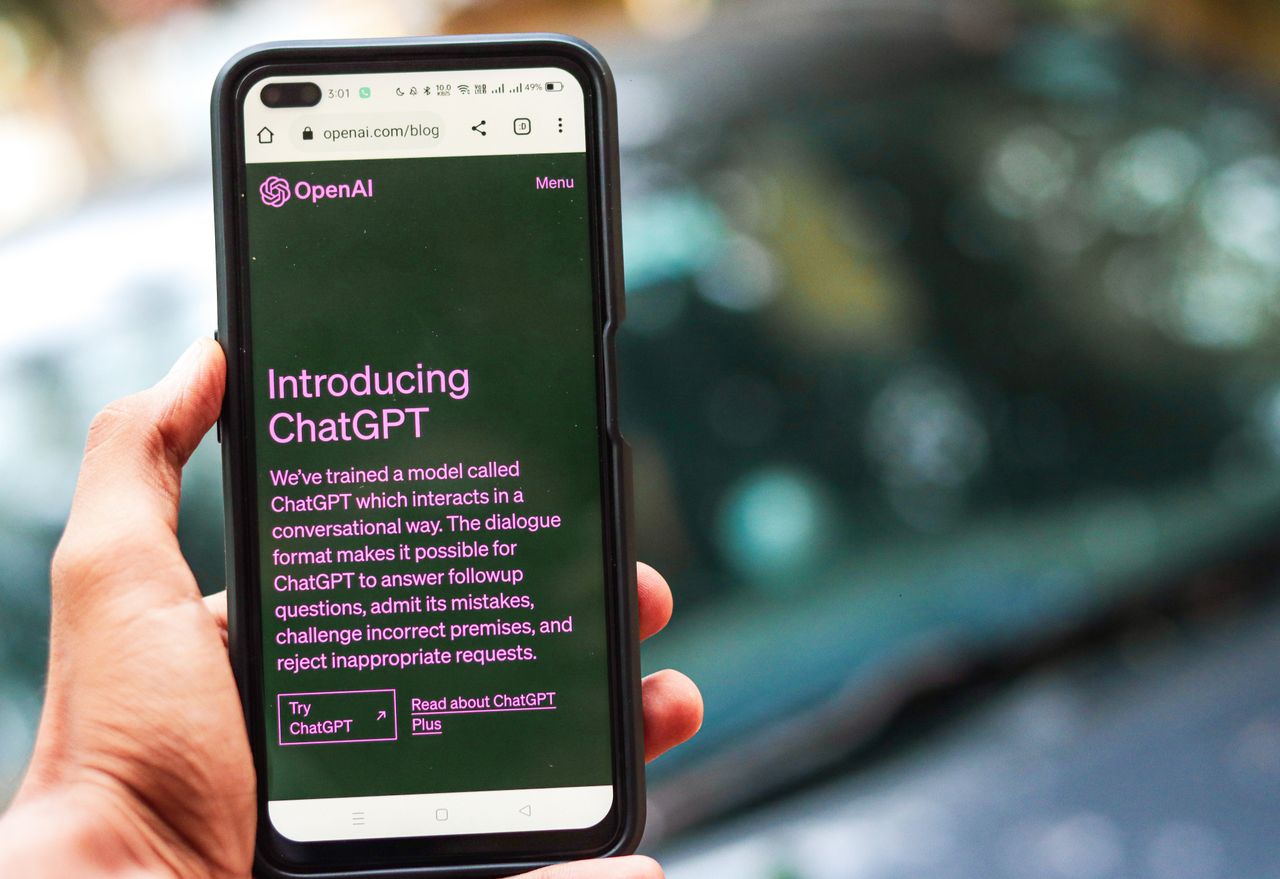
Dive into the comparison of leading chatbots, including ChatGPT, MonicaAI, ClaudeAI, Bing, PerplexityAI, and WriteSonic, understanding their functionalities, advantages, and drawbacks.

Delve into Microsoft's promotion of PowerPages, its integration with the Microsoft ecosystem, and its aim to simplify application development for non-programmers. Follow SKM Group's journey in testing PowerPages and revealing encountered problems.

Has the moment arrived for us to relegate Angular to the past and unanimously transition to Blazor? Or perhaps, could it be that Blazor, as the successor to Razor, is afflicted from the same issues as its predecessor?

Have you ever imagined mobile applications that understand your speech, tailor content to your interests, and analyze images to provide you with exactly what you need? The world is currently undergoing a revolution thanks to Artificial Intelligence.

In the current digital world, reaching a global audience is essential. Translations break language barriers and make users feel at home. However, managing translations isn't easy.

In the fast-paced world of software development, getting things done efficiently and coming up with new ideas is really important. With more and more lines of code and complicated projects, developers have to deal with a lot of tough problems.

In recent times, Blazor has become a highly popular technology in the field of web application development. Due to its increasing popularity, we decided to explore its practical implementation.

Artificial intelligence has made its way into various aspects of life, and the field of design is no exception. We are currently witnessing a revolution that impacts the process of designing and creating aesthetic and functional solutions.

Artificial intelligence is one of the most innovative and dynamically developing fields in IT. In practice, the use of AI technology can be found in almost every industry, from medicine and finance to education and entertainment.

Comments