
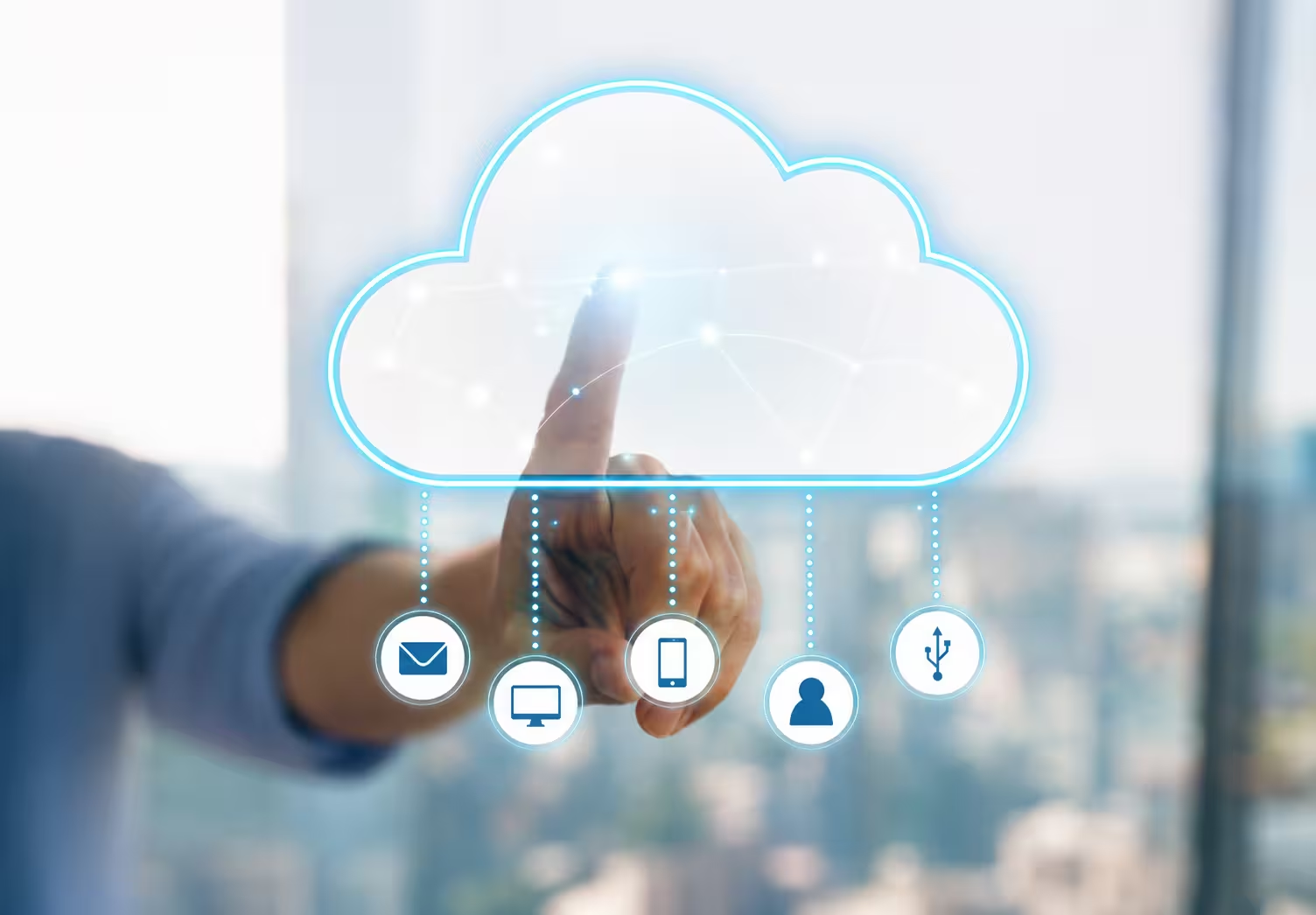
Cloud migration refers to the movement of applications

Cloud migration refers to the movement of applications, data, and other business entities from on-premise to a cloud-based environment. It can occur in public, private, or hybrid clouds based on your specific business needs and technical requirements. This might not be a purely technical decision; the migration of legacy systems to the cloud represents a strategic move toward modernization of outdated software to retain relevance in today's digital-first landscape. As businesses are getting modernized, the capability for adaptation through cloud migration acts as the cornerstone for success.
When deciding to migrate, you’ll encounter three primary approaches:
Each approach has its pros and cons, and the right choice depends on your business objectives and the current state of your legacy systems. Understanding these types ensures you can align your strategy with your goals.
Why cloud migration is important becomes clear when you consider the limitations of legacy systems. These older solutions often lack the agility, scalability, and performance needed to support modern business demands. Migrating to the cloud:
Moreover, the ability to adapt to changing market trends and customer expectations becomes much easier when you have a cloud-based infrastructure supporting your operations.

Before initiating your migration journey, evaluate:
A comprehensive assessment will minimize risks and ensure a seamless migration experience. Additionally, involving stakeholders early in the process can provide valuable insights and foster organizational alignment.
Legacy modernization and cloud adoption go hand-in-hand. While modernization updates your software to meet today’s standards, cloud adoption provides the infrastructure to sustain those updates efficiently. Together, they create a foundation for agility, resilience, and innovation. The cloud’s ability to support modernization efforts ensures your business remains competitive and adaptable, no matter the challenges ahead.
Accelerated Deployment and Time-to-Market
Cloud environments allow businesses to deploy new applications and services faster than traditional infrastructure. This agility gives you a significant edge in bringing products to market. A faster time-to-market can translate directly into competitive advantage, especially in dynamic industries.
Real-Time Collaboration and Data Access
By hosting your systems in the cloud, teams can access and update data in real time. This fosters collaboration and ensures everyone is working with the latest information. Real-time access not only improves efficiency but also supports data-driven decision-making across the organization.
Streamlined Operations and Automation
Cloud platforms support automation tools that reduce manual processes. From scaling workloads to managing backups, automation minimizes errors and boosts efficiency. The ability to streamline operations allows businesses to focus on innovation rather than routine maintenance.
Improved Performance and System Reliability
Cloud providers ensure high availability and low latency by leveraging global data centers. This translates to consistent performance and reliability for your users. High uptime levels contribute to better customer experiences and reduce the risk of costly outages.
Optimized IT Resources and Support Allocation
By offloading infrastructure management to the cloud, your IT team can focus on strategic tasks instead of routine maintenance. This optimizes resource allocation and enhances overall productivity. With reduced operational overhead, your IT department becomes a driver of innovation rather than just a cost center.
Step 1: Assessing Legacy Systems and Migration Readiness
Begin by evaluating your legacy systems to identify dependencies, compatibility issues, and areas for improvement. This step is crucial to understand the scope and complexity of the migration. Additionally, involving stakeholders early ensures that business priorities align with technical strategies.
Step 2: Choosing the Right Cloud Model (Public, Private, or Hybrid)
Select a cloud model that aligns with your business needs:
Understanding the advantages of each model helps you tailor the migration to suit both current and future business requirements.

Step 3: Creating a Detailed Migration Strategy
Develop a clear roadmap that outlines:
A detailed strategy serves as a guide to ensure the project remains on track, with minimal disruptions to daily operations. Collaboration between IT and business units is key at this stage.
Step 4: Executing the Migration – Data and Application Transition
Migrate your applications and data incrementally, starting with less critical systems. This minimizes disruption and allows your team to address any issues early in the process. Testing each phase ensures that the migration delivers the expected benefits without compromising functionality.
Step 5: Post-Migration Optimization and Monitoring
After the migration, continuously monitor performance, address any gaps, and optimize the system to ensure it meets your business goals. Regular audits and updates keep the environment secure and aligned with evolving needs. Continuous improvement ensures long-term success.
Gain flexibility and efficiency through tailored IT outsourcing by SKM Group: Learn about IT outsourcing.
How long does cloud migration take? The answer depends on factors like the size of your infrastructure, the complexity of applications, and the chosen migration approach. Smaller projects may take weeks, while larger, more complex migrations can span several months. Proper planning and execution are key to staying on schedule. Collaboration with experienced professionals can further streamline the process and reduce unexpected delays.
Data Transfer and Security Concerns
Transferring large volumes of data securely can be challenging. Partnering with a cloud provider that offers robust encryption and secure transfer protocols mitigates these risks. Advanced tools and methodologies ensure data integrity during the transition.
Compatibility with Existing Infrastructure
Legacy systems may not be fully compatible with modern cloud environments. Refactoring applications or using middleware solutions can bridge this gap effectively. Early identification of incompatibilities reduces potential disruptions.
Managing Downtime and Minimizing Disruption
Planned downtime during migration can disrupt operations. A phased approach and thorough testing ensure minimal impact on your business. Communication with stakeholders helps manage expectations during the process.

Training and Adapting Staff to New Environments
Introducing cloud systems requires staff to learn new tools and workflows. Offering comprehensive training programs eases this transition. Empowering your team with the right knowledge ensures they can leverage the cloud effectively.
Empower your vision with custom software designed by SKM Group to meet your business needs: Discover custom software development.
Strategies for Overcoming Cloud Migration Hurdles
With the right strategies in place, you can navigate challenges and unlock the full potential of cloud migration.
Cloud migration can bring several advantages, not just by the immediacy of efficiency gains. Long term, your business will gain a lot more from increased resilience, greater scalability, and less technical debt. Cloud guarantees your systems remain agile for the future in both technologies and business needs. Adaptability is critical in competitive advantage and fostering innovation.
Migration of legacy systems to the cloud is not an IT project; it's a strategic mandate. Moving to the cloud positions your business for agility, innovation, and sustained growth. We at SKM Group help companies in this journey frictionless and smooth with maximum ROI. With the cloud as your backbone, your business is future-ready to meet today's challenges and seize tomorrow's opportunities.

Cloud migration involves transferring applications, data, and workflows from legacy on-premises systems to cloud-based platforms. It’s a fundamental part of modernizing outdated infrastructures. The process improves accessibility, scalability, and resource efficiency. By leveraging cloud technologies, organizations eliminate hardware dependencies. Cloud migration lays the foundation for innovation, automation, and cost-effective scalability.
Legacy systems are often expensive to maintain and difficult to scale. Migrating to the cloud reduces infrastructure costs and enables flexible resource allocation. It allows companies to operate globally, supporting remote work and faster deployment cycles. Cloud environments also enhance data security and disaster recovery. Businesses gain agility and performance improvements that traditional systems can’t offer.
Common strategies include “lift and shift” (rehosting), refactoring, replatforming, and rebuilding. Rehosting is the fastest approach, while refactoring and rebuilding offer deeper modernization benefits. The right strategy depends on system complexity, budget, and long-term goals. A hybrid model combining cloud and on-premises systems is also popular for gradual migration. Each approach has unique cost and flexibility implications.
Modern cloud providers offer advanced security features such as encryption, identity management, and continuous monitoring. Compliance with standards like GDPR, HIPAA, and ISO 27001 is built into most platforms. This reduces the burden of maintaining internal security infrastructure. Cloud environments also enable real-time threat detection and automated updates. Overall, cloud adoption enhances both security posture and regulatory compliance.
Cloud migration eliminates large capital expenses for physical servers and data centers. Instead, companies pay only for the resources they use, creating a more predictable operational cost model. Auto-scaling ensures efficiency by adjusting resources dynamically based on demand. Additionally, reduced downtime and maintenance lower total ownership costs. Over time, cloud-based operations deliver substantial financial savings.


In our team, Dominik Bigosiński is responsible for driving the growth of online businesses through the strategic use of content. As an expert in his field, he has collaborated with organizations from the US, UK, Norway, and Poland since 2018, contributing to the development of over 100 blogs and supporting more than 450 B2B and e-commerce brands worldwide. His passion for conscious personal growth and philosophy is reflected in his work, where he focuses on delivering thoughtful, audience-centered strategies that drive long-term results.
Transform your outdated system into a modern, high-performance tool. See our approach.
Discover moreStrategic insights into technology, software development, and digital growth

At SKM Group, we spend a lot of time talking with decision-makers who feel pressure to modernize simply because their systems are old. Age, however, is not a technical argument.
Modernizing a legacy system is never a purely technical exercise. It is a strategic decision that directly affects your revenue streams, operational resilience, compliance posture, and long-term ability to innovate.

Legacy modernization is not a technology project. It is a business survival initiative disguised as engineering work. At SKM Group, we see legacy transformation as a controlled dismantling of risk

Legacy software modernization is often presented as a straight path from technical limitation to digital freedom. In reality, it is one of the most complex transformation efforts an organization can undertake.

When your software is intuitive, seamless, and genuinely pleasant to use, adoption rises, support costs drop, and your brand reputation grows stronger with every click.

Managing software today isn’t just about having the right tools–it’s about using them efficiently, legally, and strategically. In an era where cloud subscriptions, SaaS models, and hybrid deployments dominate IT ecosystems.
You already know your data is your business’s lifeblood. But the way you store, manage, and access that data can either accelerate your growth or quietly hold you back.

Legacy software modernization is the structured process of updating, transforming, or replacing outdated software systems to meet modern business needs.

Legacy software isn’t just “old code.” It’s a critical part of your business that’s grown increasingly fragile with time. Often custom-built and once state-of-the-art, your legacy systems likely hold together years of operational knowledge.

Modern business runs on software. But if your operations are still leaning on decades-old systems, you're probably feeling the drag. At SKM Group, we’ve worked with countless companies

Legacy software modernization refers to the process of updating, improving, or completely transforming outdated software systems - often referred to as legacy software
Cloud migration refers to the movement of applications, data, and other business entities from on-premise to a cloud-based environment. It can occur in public, private, or hybrid clouds based on your specific business needs and technical requirements

If you're leading a business in the digital age, you've likely heard about legacy software modernization. But what does it truly mean, and why is it such a hot topic in the tech world today?
%20(1).avif)
Businesses often face a key problem: integrating legacy systems with modern technology to keep operations agile and secure. At SKM Group, we understand that legacy system integration is not just about adopting new solutions but also about prese

Comments